iPhone 18 Pro Accessories: What to Buy Before Delivery—and What Can Wait
Preorders are underway and accessories are filling carts. Use this compatibility-first checklist to choose a case, charger, screen protector, power bank, and protection plan without paying twice.
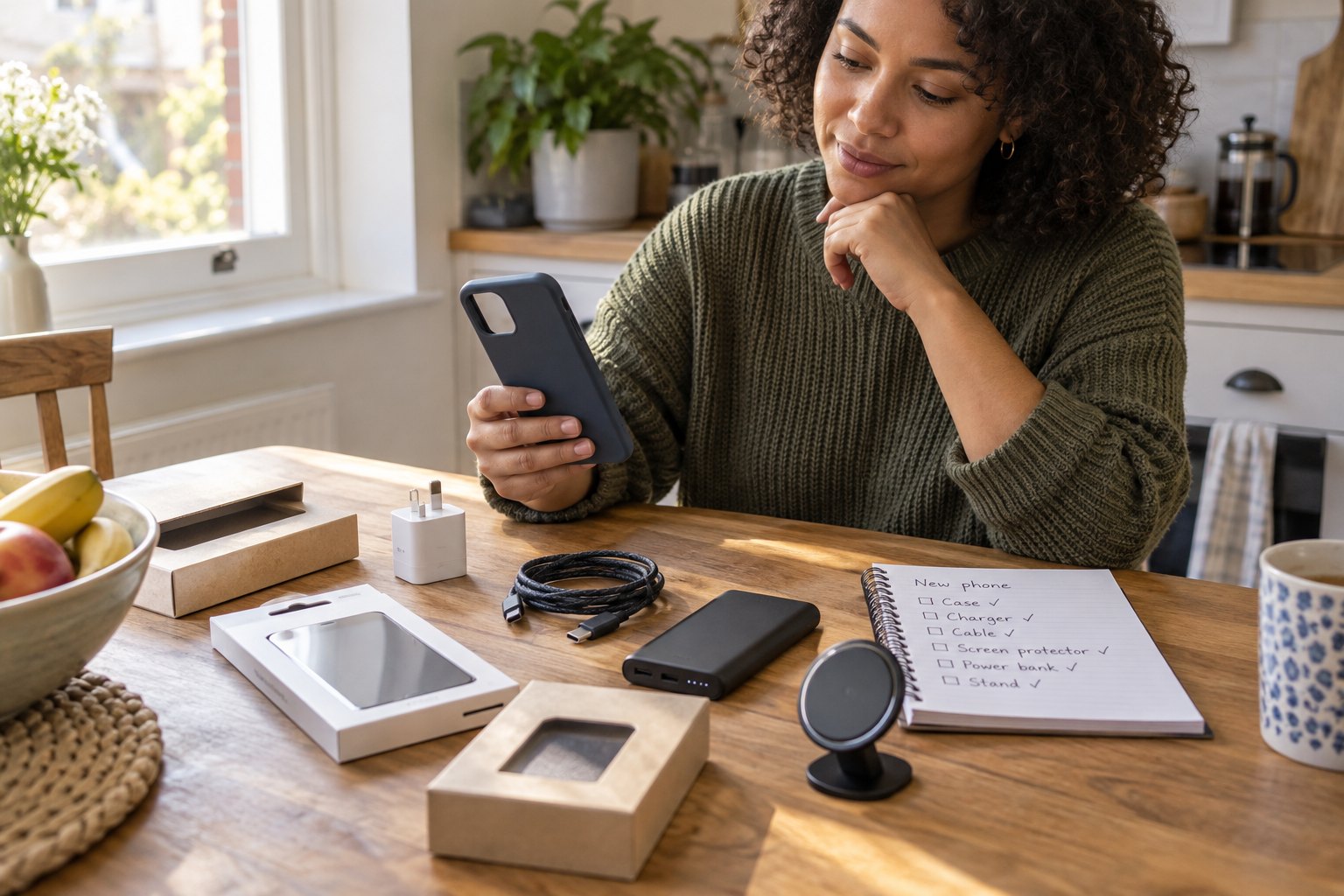
Your phone is due to arrive this week, and the accessory cart is already approaching the cost of a monthly bill. A case looks essential, a second charger seems sensible, and a magnetic stand is tempting—but buying every “made for the new phone” item before you know the exact fit can create duplicates and returns.
Image: AI-generated editorial lifestyle scene. It shows generic accessories, not reviewed Apple products. PerkParcel has not conducted hands-on testing of the new phone or these accessories.
Why accessory shopping is surging now
Apple opened iPhone 18 Pro and iPhone 18 Pro Max preorders on September 12 and says the phones will be available beginning September 18. Its September 11 update also introduced new cases, straps, wallets, trade-in routes, financing choices, and protection options. Those launch details make this a timely shopping moment, but they do not mean every accessory should be purchased before delivery. Review Apple’s official availability and accessory update.
The safest rule is simple: buy only what protects or powers the phone on day one. Wait on convenience accessories until you have confirmed the model, port, case thickness, charging behavior, and your actual routine.
Day-one priority: case and screen protection
Match the case to the exact model name; Pro and Pro Max dimensions are not interchangeable. Check that the camera opening, buttons, speakers, charging port, and any new controls remain accessible. Raised edges can help with ordinary surface contact, but a rugged-looking case is not proof of a tested drop rating. Look for a named test method and limitations instead of an unexplained height claim.
For screen protectors, confirm edge coverage and case compatibility. A protector that reaches too far into the bezel may lift when the case is installed. Buy one well-documented product—or a multipack if you routinely misalign installation—rather than stacking a premium protector with an unverified warranty.
Audit your chargers before replacing them
Lay out the chargers and cables you already use at the desk, bedside, car, and travel bag. Check connector type, power rating, safety certification, cable length, and whether multiple devices compete for the same outlet. A reputable USB-C charger you already own may remain perfectly useful; a new phone does not automatically require a new power brick.
- Wall charger: choose enough verified output for the devices charged together, not the largest number on the box.
- Cable: confirm connector type, data needs, length, and strain relief.
- Power bank: compare usable capacity, weight, heat management, charging input, and current airline limits before travel.
- Magnetic stand: wait until the case is fitted, then test alignment and stability with the full phone-and-case weight.
Compare compatible phone accessories
Verify the exact phone model, seller, safety certification, case fit, and current return policy. PerkParcel may earn a commission from qualifying purchases.
Check current accessory optionsProtection plan or protective gear?
A case limits some everyday damage risks; a protection plan transfers certain repair or loss costs under a contract. They are not substitutes. Compare deductibles, theft-and-loss conditions, repair limits, claim procedures, existing credit-card or carrier coverage, and the total cost across the time you expect to keep the phone. Apple’s terms vary by plan and eligibility, so read the current agreement before enrolling.
What can usually wait
Delay specialty camera attachments, multiple fashion cases, a vehicle mount, desk docks, and premium straps unless you can name an immediate use. Early listings may use rendered images before independent buyers confirm tolerances. Waiting a week or two can reveal recurring fit, heat, adhesive, and button-access problems in owner feedback.
A disciplined checkout order
Start with one exact-fit case and, if you use one, one case-compatible screen protector. Reuse a trustworthy charger and cable when they meet the requirements. Add a power bank, stand, mount, or protection plan only after comparing the real workflow and total cost. For broader charging decisions, see our USB-C desk hub guide and airline-ready power bank checklist.
Frequently asked questions
Should I buy accessories before the phone arrives?
Buy only exact-model protection you need on day one. Keep packaging and verify the return window in case dimensions or compatibility are wrong.
Do I need the highest-wattage charger?
No. Match the charger’s supported standards and output to the phone and any other devices you charge simultaneously.
Is a magnetic accessory compatible with every case?
No. Case material, thickness, magnet placement, accessory shape, and phone weight can affect alignment and holding strength.
Launch context checked September 15, 2026. Specifications, availability, prices, plan terms, and seller policies can change.
Related tech guides

AirPods 5 and Open-Ear ANC: Upgrade for Your Commute or Keep What You Have?
Apple’s September launch puts active noise cancellation into its newest open-ear earbuds. Compare fit, charging, phone compatibility, repair costs, and the places you actually listen before pre-ordering.
· 7 min read
IFA 2026 Projectors: Plan Your Movie Night Before You Buy
Tempted by IFA projector announcements? Check room light, throw distance, streaming, sound, and the complete setup budget before choosing a home projector.
· 7 min read
Smart Home Shopping Before IFA 2026: Buy Now or Wait for the New Wave?
IFA 2026 opens September 4 with connected-home and AI-appliance announcements already arriving. Audit compatibility, privacy, support, and real automation needs before adding another hub or subscription.
· 7 min read