Black Friday Price Alerts: How to Shop Smarter Without Buying on Autopilot
Amazon’s recently expanded text-based Alexa for Shopping can compare options and track prices. Use alerts as research help—not as a reason to buy—before Black Friday Week begins November 19.

Original AI-generated editorial illustration for PerkParcel. Illustrative lifestyle scene; not a photograph of a specific product or a claim of hands-on testing.
It is 8:30 p.m. on a weeknight. You have a gift list, a coffee maker that is starting to fail, and three retailers sending countdown emails. You do not need another feed of deals; you need a short list and a way to tell whether an offer fits your budget.
One timely change: Amazon says its Alexa for Shopping can now be used by text, including to compare products, track a target price, and show up to a year of price history. Amazon’s Black Friday Week and Cyber Monday event is scheduled for November 19–30, with themed daily deal drops. Those features can save time, but they do not decide whether an item is worth owning.
Start with three decisions, not three hundred offers
Before opening a retailer app, write down the item, the job it must do, and the maximum total you will pay. Separate replacements you already need from optional gifts and speculative upgrades. For a household replacing a failing coffee maker, note the counter space, brew size, and cleanup routine; for a gift, decide whether the recipient would use the item at all. This keeps a sale from expanding the list.
Use shopping tools for research—not permission
- Save the exact model. Similar product names can hide different sizes, generations, bundles, or seller conditions. Keep the model number or listing URL with your notes.
- Check price history. Amazon says its tools can show up to 365 days of pricing for eligible products. Treat that as one reference point, not a promise that the lowest historical price will return.
- Set a target alert. A notification is useful only if the target reflects the product’s value to you. Do not raise it because a countdown is running.
- Keep purchase approval on. Before an automated or one-tap order, recheck model, seller, quantity, delivery date, total after tax, and return terms.
If you prefer not to use an AI shopping tool, a saved retailer list, calendar reminder, or browser price tracker can do the simpler job of reminding you to compare later. The important step is writing the target before the alert arrives.
Compare the checkout total and the cost of waiting
A markdown is not a saving if you replace a working item early, buy accessories you do not need, or pay for a membership just to access one deal. Compare the same model across sellers, include shipping and tax, and check whether the stated offer applies to your color or configuration. For electronics, compare the generation and included ports or accessories. For home goods, measure the storage space before choosing a larger bundle.
Treat the event calendar as a reminder, not a deadline
Amazon’s published event dates are November 19–30, with new themed drops and additional scheduled drops on Black Friday and Cyber Monday. Deal inventory and eligibility can change. There is no need to buy something simply because an event is live; the right time is when the product meets a defined need at a price you have already accepted.
For gift planning, our home and everyday buying guides and technology guides can help narrow a category before you shop. If a product’s price is the only reason it looks appealing, close the tab and revisit your list tomorrow.
Compare current offers against your own target
Open the retailer’s event page, check the exact model and seller, and confirm the full checkout terms. PerkParcel may earn a commission from qualifying purchases; our advice is based on the use case and published information, not a paid ranking.
View Amazon’s Black Friday eventA better alert is one you can ignore
Make the list first, set a ceiling, and use price history or alerts to reduce busywork. If an offer misses your target—or the listing details do not check out—skip it. A calm no-buy decision is still a successful shopping result.
Sources checked November 17, 2026: Amazon: Alexa for Shopping is now available by text (updated November 13, including price-history and alert features); Amazon’s 2026 Black Friday and Cyber Monday event details (published November 9; dates and deal schedule).
Related tech guides

Early Black Friday Tech Deals: What to Buy Now and What to Wait On
November deal calendars are live. Compare the exact model, return window, and price history before an early tech purchase.
· 7 min read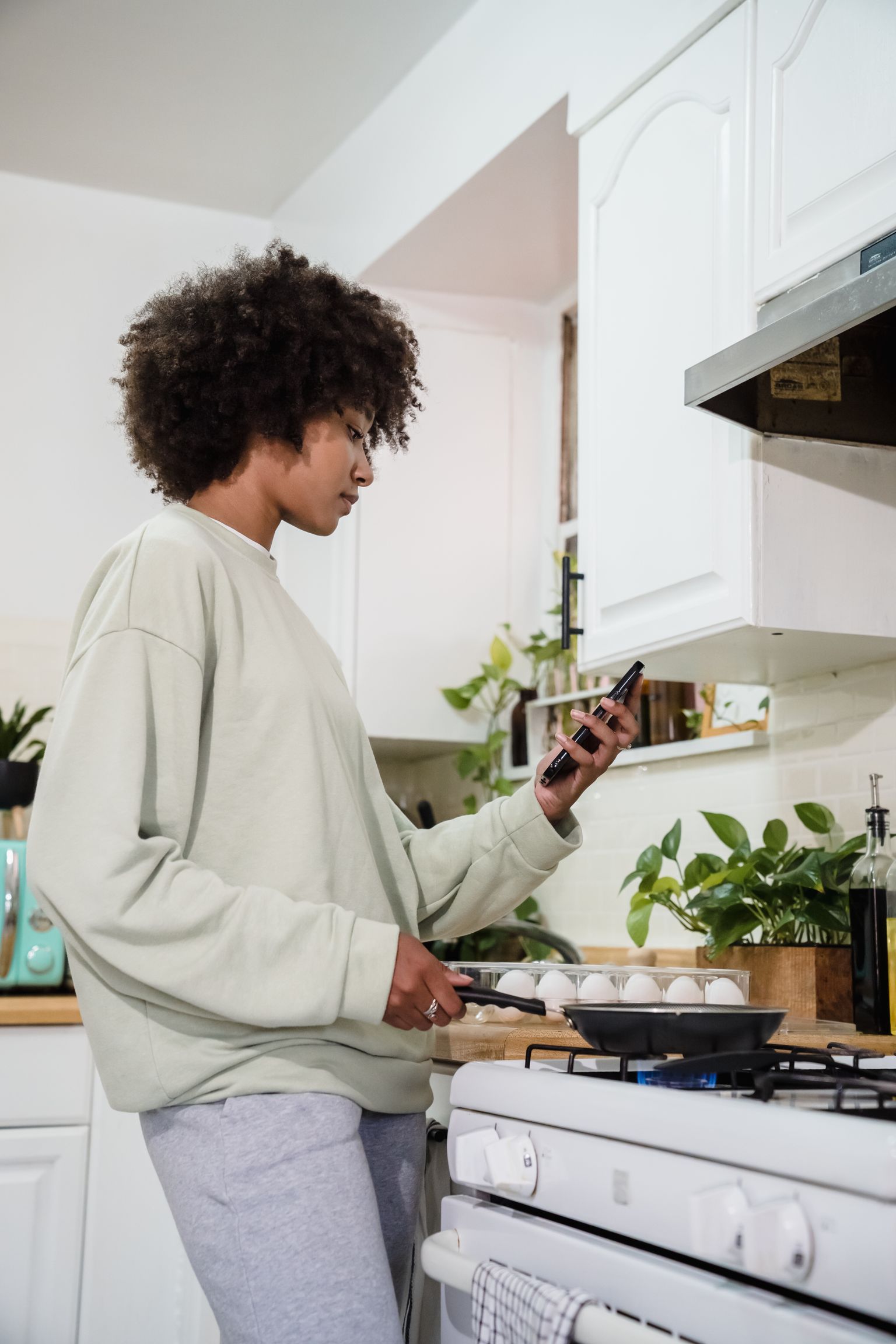
Samsung Week 2026: Which Smart Home Upgrade Is Worth Buying?
Samsung Week runs October 12–November 1. Compare the real cost of a phone, TV, or connected appliance against the job it needs to do at home.
· 7 min read
Amazon Alexa Tablets in 2026: Choose for the Family Routine, Not the Launch Buzz
Amazon announced new Alexa tablets on October 8. Compare profiles, app access, privacy controls, storage, and who will actually use the screen before upgrading.
· 7 min read