Amazon Alexa Tablets in 2026: Choose for the Family Routine, Not the Launch Buzz
Amazon announced new Alexa tablets on October 8. Compare profiles, app access, privacy controls, storage, and who will actually use the screen before upgrading.

Editorial photograph by Helena Lopes / Pexels. The image illustrates the category, not a tested product or model.
A tablet can move from a school portal at the kitchen table to a recipe stand, a video call, and a streamed show in the same day. That flexibility is useful, but it also makes launch-day comparisons deceptively simple. The right choice depends on the accounts, apps, storage, and controls your household can live with after the novelty fades.
What changed this week
Amazon announced an all-new family of Alexa tablets on October 8, including general-purpose models with Alexa+ and separate kids tablets aimed at younger and older children. The announcement confirms a new buying moment; it does not establish that every household needs a replacement. Start with Amazon’s official device announcements, then verify the exact model page for current specifications, availability, subscriptions, and regional support.
Build the shortlist around the users
- Shared adult screen: Check app-store access, account switching, video-call support, keyboard options, storage expansion, and display comfort.
- Child-focused model: Compare the age range, parental dashboard, content subscription, case, replacement policy, time limits, and what happens when the subscription ends.
- Existing tablet: Price a protective case, stand, storage cleanup, or battery service before treating a new AI feature as a requirement.
- Offline use: Confirm which books, videos, school files, and maps can work without a connection.
Privacy and support belong in the buying decision
Read how voice requests, profiles, recordings, and children’s data are handled. Check whether assistant features can be disabled, whether the tablet remains useful without a paid plan, and how long software and security updates are promised. A household device should have clear sign-out, reset, and trade-in steps before it changes owners.
Compare current family tablets
Check model year, storage, app compatibility, parental controls, subscription terms, update policy, warranty, and return window.
Browse current tablet optionsDo not buy the bundle before pricing the routine
A case, stylus, keyboard, content plan, cloud storage, and accidental-damage coverage can change the real cost. Avoid assuming that a child-labeled product is automatically simpler or that a general tablet automatically supports the school’s required apps.
Bottom line
Upgrade when the current screen cannot run required apps, hold a charge, or support the household’s accounts safely. Otherwise, wait for independent reviews and complete support details, then buy the simplest model that covers the routine.
Related tech guides
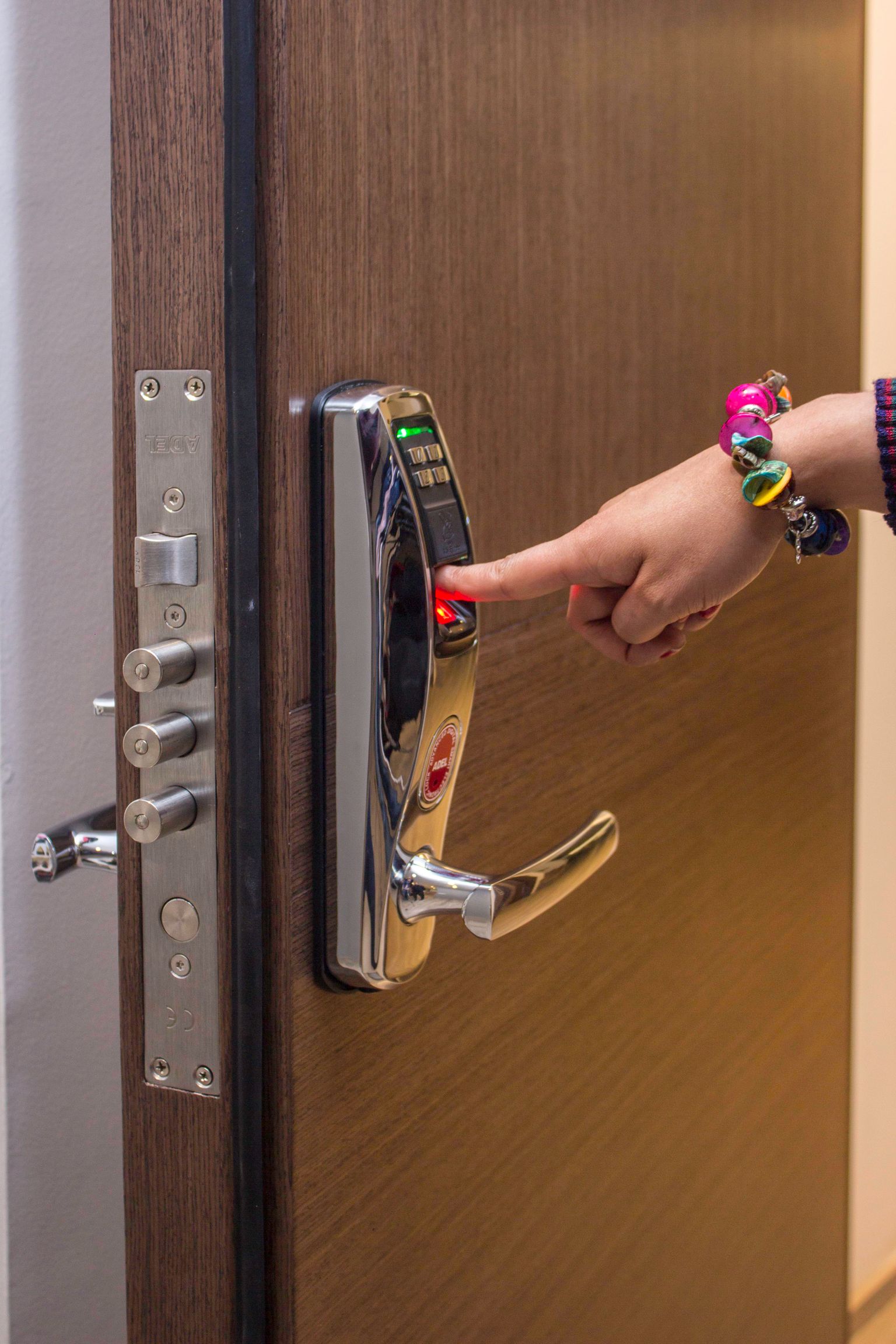
Smart Locks After Ring’s 2026 Launch: What Renters and Homeowners Should Verify
Ring introduced its first smart lock on October 7. Before replacing a deadbolt, check door fit, lease rules, power backup, household access, privacy, and manual entry.
· 7 min read
Prime Big Deal Days 2026: Build a Price-First Shopping Plan Before October 6
Amazon has confirmed its October sale dates and new AI shopping tools. Here is how to set target prices, audit subscriptions, compare sellers, and avoid buying a discount instead of a product you need.
· 7 min read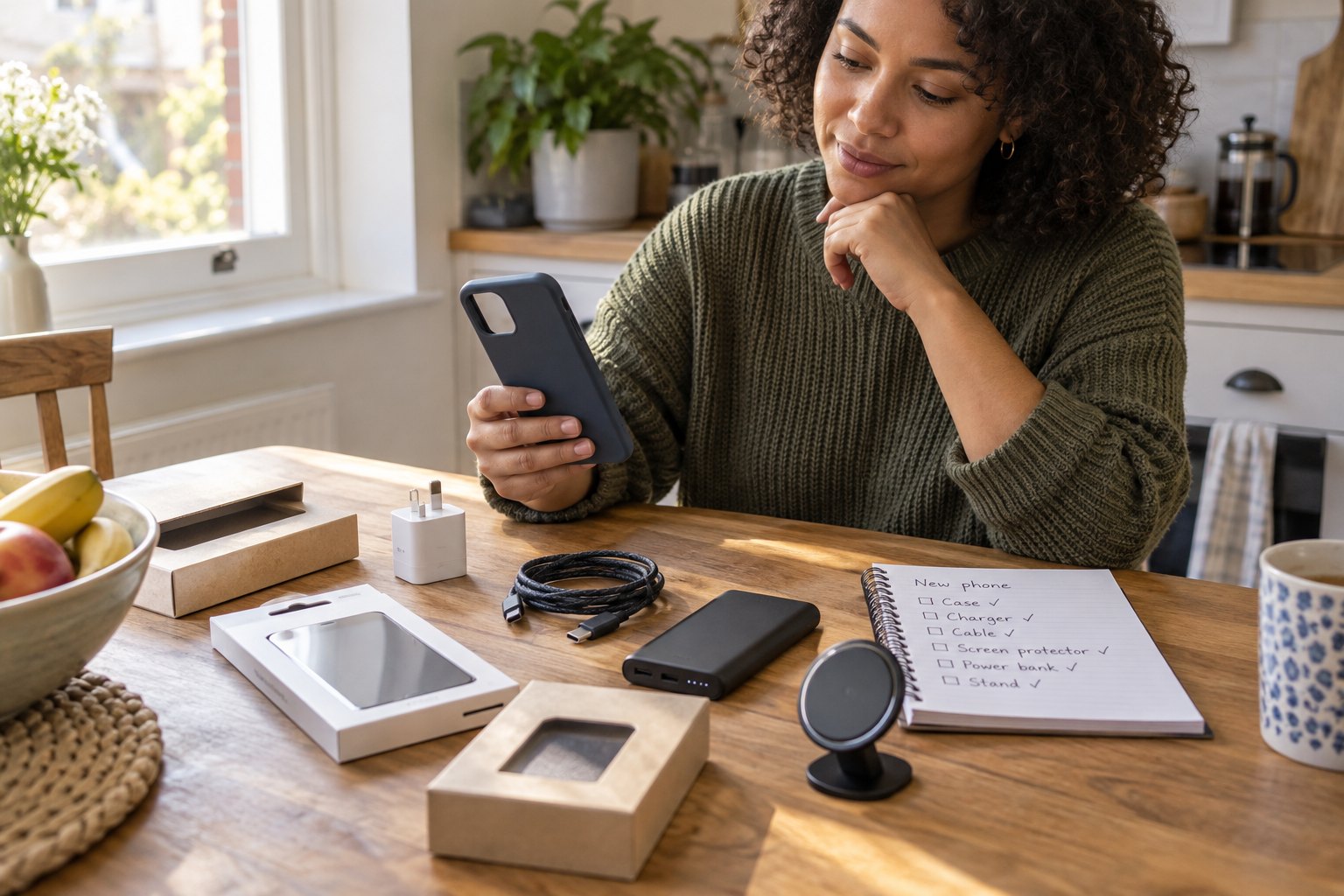
iPhone 18 Pro Accessories: What to Buy Before Delivery—and What Can Wait
Preorders are underway and accessories are filling carts. Use this compatibility-first checklist to choose a case, charger, screen protector, power bank, and protection plan without paying twice.
· 7 min read